






My notes from this Short
01
Use your own laser as a wavetable
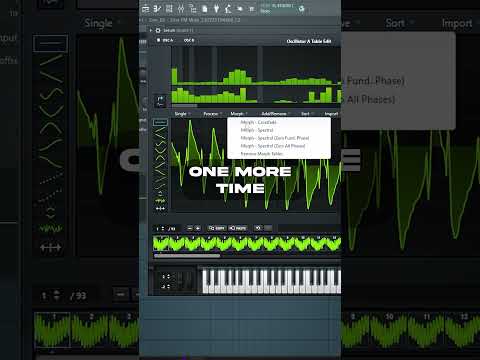
The hack is to use a Belgium laser I made in a previous video as the wavetable. Drop it into oscillator A on dynamic pitch follow and remove everything except for the beginning of the sound. Morph and crossfade it and normalize it to create a smoothed out wavetable.
02
Find the laser frequencies two octaves down
Take the wavetable down two octaves and you'll find laser frequencies. Remove everything except for those laser wavetables, crossfade it again and normalize it again. That's your own laser wavetable.

What I use in this video
Serum·FL Studio
Access hundreds of drum & bass sounds and presets
Want some free packs? Unlock our freebie vault.
We only send you drum & bass content. Unsubscribe anytime.
Open the Freebie Vault